
The best AI tools to visualize furniture in your room.
A tested comparison of four AI room tools for photos, real furniture, measurements, budgets, shopping lists, account gates, and photo retention.
The best tool depends on the job as of August 24, 2026: IKEA Kreativ for placing IKEA products, Planner 5D for editable 3D planning, REimagineHome for visual concepts, and RoomDone for a budgeted product list. No tool won every test.
Disclosure: I am Thomas Nguyen, and I built RoomDone. I included it because it answers a different buying question, then held it to the same columns as the other tools. I did not score RoomDone as the automatic winner, and I do not have a paid relationship with the other companies named here.
What did I actually test?
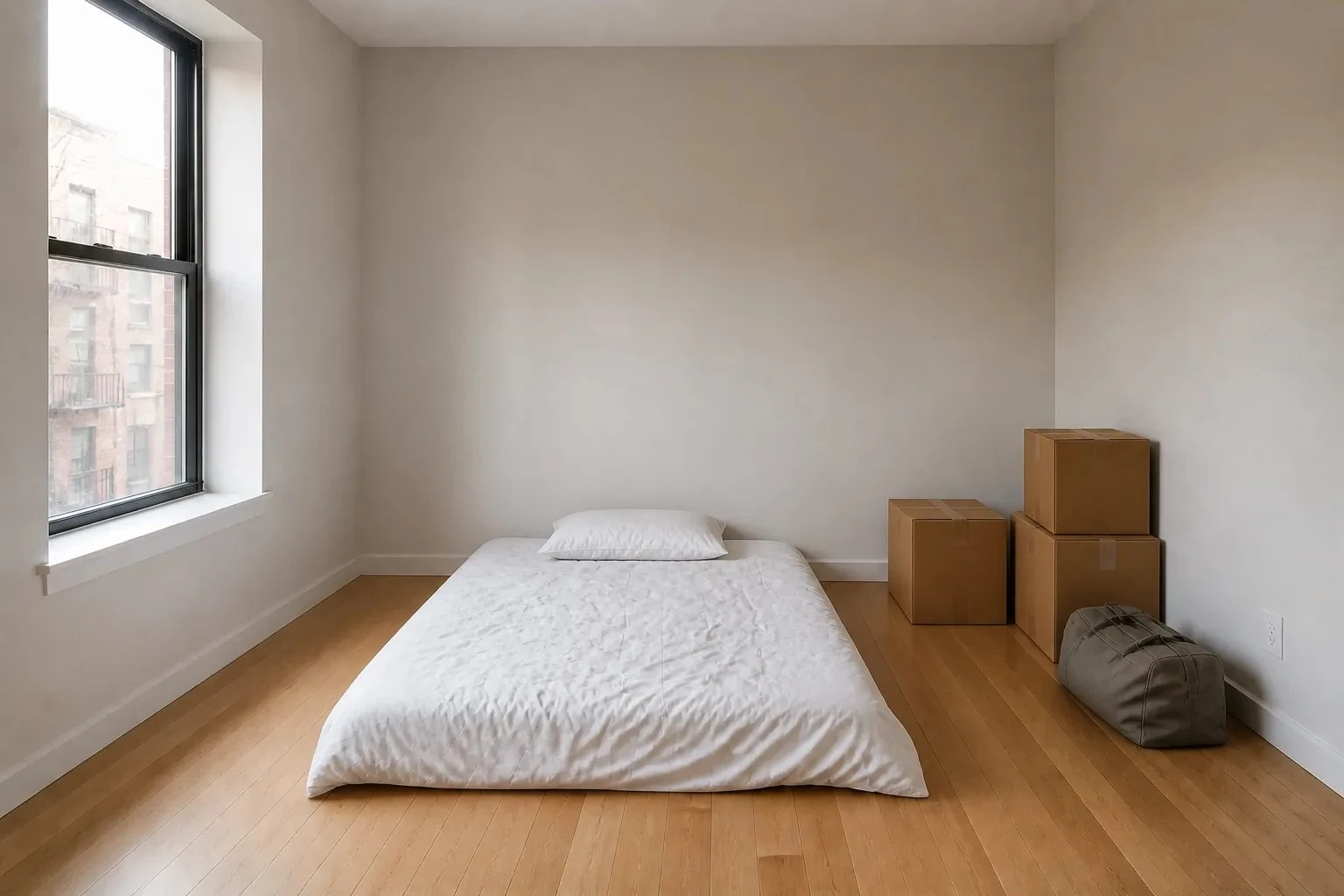
I used one 1536×1024 moving-day bedroom fixture with no person, mail, screen, or family photo in view. The brief was a bedroom, queen bed, typical room, modern direction, and a $1,500 complete-room ceiling. I checked each public start path on August 24, 2026 and recorded the account or payment gate before reading feature pages.
RoomDone was the only complete output replayed in this repository: the fixture produced its catalog-backed product plan, while the optional image preview was not regenerated. IKEA Kreativ's current U.S. instructions describe a photo upload followed by an email; Planner 5D and REimagineHome moved the comparable workflow behind account creation. I did not create third-party accounts for this audit, so their output cells are vendor claims, not invented observations.
That limit matters. This is a workflow and buying-evidence comparison, not a ranking of image beauty from four generated outputs.
How do the four tools compare?
“Yes” below means the capability is visible in the tested RoomDone plan or stated in a linked first-party document. It does not turn a marketing promise into measured test evidence. Prices, free allowances, and policies were checked on August 24, 2026.
| Tool | Existing photo | Preserves room | Purchasable products | Dimensions or measurements | Whole-room budget | Shopping list | Account or payment | Privacy or retention | Best use | Main limit |
|---|---|---|---|---|---|---|---|---|---|---|
| RoomDone | Yes; observed | Illustrative preview starts from the photo | Yes; exact catalog items | Published product dimensions against supplied room inputs | Yes; observed in the plan | Yes; products, variants, retailers, and totals | Plan: none. Preview: free sign-in | Original photo is not server-stored; recovery preview expires within 24 hours. Policy | One coordinated buying plan under a ceiling | Small, checked catalog; photo still cannot prove measurements |
| IKEA Kreativ | Yes. Upload instructions | Photo mode erases and adds items in the existing scene | Yes; IKEA items. Cart instructions | Product dimensions are shown; measured Room Builder is separate. Measurement help | No budget constraint found in the cited U.S. workflow | IKEA design summary and cart, not a cross-retailer list | Free; login required to save. Save help | Saved designs live under the signed-in account; no Kreativ-specific deletion window found | Trying exact IKEA products in your scene | One retailer; current U.S. help pages conflict on web photo availability |
| Planner 5D | Vendor says yes. AI room page | Creates an editable digital room; not a promise to preserve every pixel | Planner catalog objects, not a cited retailer buying feed | Measured 2D/3D model; quality depends on entered or recognized geometry | Premium has a Budget Widget, described as tracking costs. Pricing | No retailer-ready list found in the cited consumer pages | Sign-up; Free plan. Premium was listed at 19.99 monthly or 59.99 annually | Collects uploads; anonymized contributions may improve or train its AI. Privacy | Building and editing a measured 2D/3D room | Catalog objects and project costs do not equal a current retail order |
| REimagineHome | Vendor says yes. Product page | Vendor says it keeps the existing layout unless asked to change it | Optional real-product discovery is advertised | No measured-room or published-dimension check found in the cited workflow | Accepts a budget range; no hard ceiling guarantee found | Advertises a priced product set; not observed in this audit | Five free designs, no card; account gate observed. Pricing | Uploads remain while the account is active or until deleted; training opt-out is available. Privacy | Fast visual restyling and iterative concept changes | Most output claims were not independently observed after the account gate |
Which tool should you choose?
Choose IKEA Kreativ when IKEA is already your retailer and the job is placing or swapping IKEA products in a recognizable room. Its current help center exposes product price, availability, and dimensions, and the app can send an item to the IKEA cart. The tradeoff is the same-retailer boundary.
Choose Planner 5D when the room model is the work. A drawn or recognized plan, editable walls, and 2D/3D views are more useful for layout exploration than a single styled image. Its furniture library helps compose a space, but the cited consumer pages do not establish those objects as a live, cross-retailer shopping list.
Choose REimagineHome when you want to try visual directions quickly and refine a scene through instructions. Its product page now advertises real products and budget ranges, but I could not verify that buying output without creating an account. Treat the result as a concept until seller pages and dimensions confirm it.
Choose RoomDone when the decision is “what complete set can I buy under this total?” The output begins with products and budget math, then treats the image as optional. The catalog is intentionally narrower than a broad marketplace. You can inspect the current product-vetting rules before deciding whether that tradeoff suits you.
A render is an idea. A buying plan needs proof.
A convincing image can still contain the wrong product, wrong scale, or an unavailable variant. Before ordering, match every object to a seller page, compare published outside dimensions with your measurements, and recalculate the complete-room total.
What should you do before testing one?
Start with a clean, privacy-safe photo and write down the room type, furniture intent, size inputs, and total budget before opening any tool. The one-photo beginner workflow explains that brief. Keep the exact same inputs when comparing results.
Then separate the image from the ledger. The RoomDone selection method shows the product, fit, shipping, budget, and coordination checks that a picture alone cannot answer. Apply those same questions to any tool's output.
Common questions
Which AI room tool is best for buying real furniture?
Use a tool that names exact products and sends you back to current retailer pages. IKEA Kreativ is strongest when you want only IKEA products. RoomDone is built for one coordinated, budgeted list across its checked retailers. REimagineHome advertises optional real-product discovery; confirm each seller page before buying.
Can an AI room app tell whether furniture will fit?
Only when the workflow uses measurements and published product dimensions. A single photo cannot prove scale. IKEA Kreativ exposes product dimensions and offers measured room-building or supported scans. Planner 5D lets you build a measured model. RoomDone applies published dimensions to the room inputs you provide.
Which AI room design tool works without an account?
RoomDone opens its product plan without an account; the optional preview requires sign-in. The comparison test stopped at account creation for Planner 5D and REimagineHome. IKEA says you must log in to save a design, and its app photo workflow starts from an IKEA Family account.
Should I upload a private room photo to an AI design tool?
Remove faces, mail, family photos, screens, and anything else the tool does not need. Read the current privacy and retention terms before upload. Policies differ: some keep project images with an account, and some may use de-identified or permitted content to improve their systems.
How this comparison is maintained
I built RoomDone and wrote this comparison from the same fixture on August 24, 2026. The article contains no commissionable links to these tools. Vendor claims are linked and labeled; account-gated outputs remain unscored until they can be observed under the same brief. Product pages, prices, free allowances, and policies can change after that date.
Start with the buying decision.
Bring one clear photo, the room inputs you know, and one complete-room ceiling.